Online sellers: an HMRC login does not register you
Online sellers filing their first tax return should check HMRC access and registration now, ahead of the 31 January 2027 payment deadline.

19 November 2026 · 4 min read
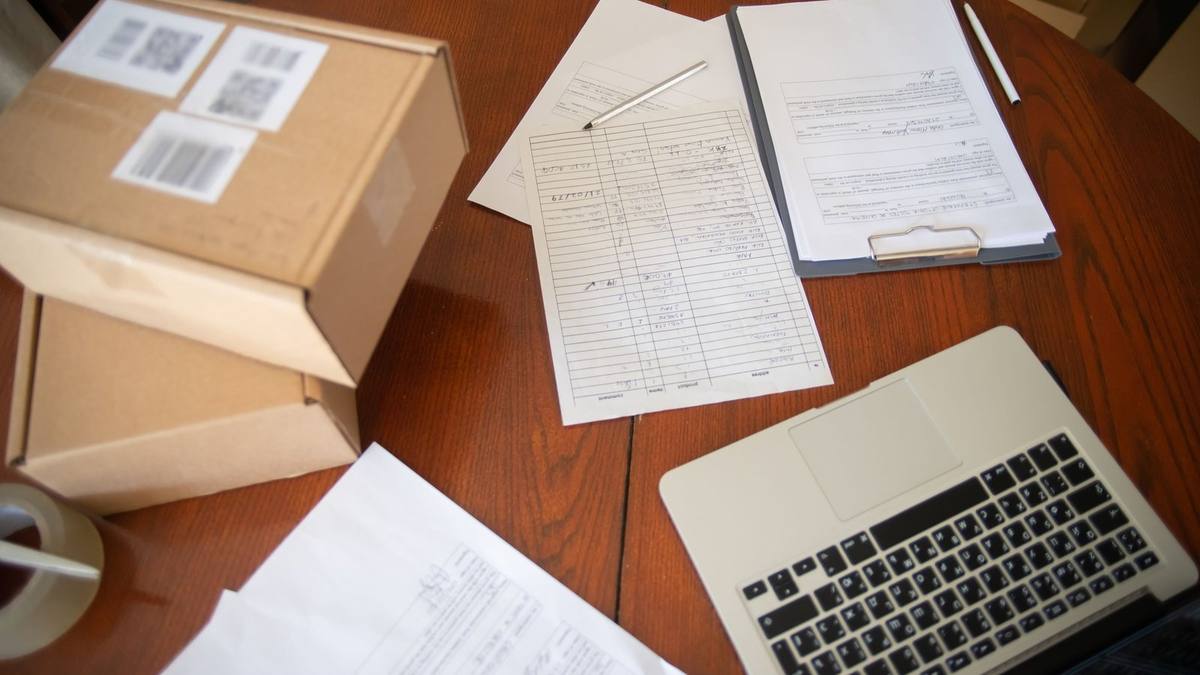
Online sellers preparing their first Self Assessment return should check their HM Revenue and Customs (HMRC) sign-in and registration now, ahead of the 31 January 2027 payment deadline. Creating a login gives you access to HMRC's services; registering for Self Assessment is a separate job.
That distinction matters when you set aside an evening to file. A finished spreadsheet is useful, but it cannot get you through a sign-in screen or supply a tax reference you have not yet received.
Self Assessment is the system HMRC uses to collect Income Tax reported through a tax return. For a seller doing this for the first time, the immediate task is to establish whether a return is needed, whether registration is complete and whether the relevant service is accessible.
Start with HMRC's sign-in guidance. Government Gateway uses a user ID of up to 12 characters and a password. GOV.UK One Login uses an email address and password. Existing HMRC users should continue with the details they already use.
If you have never used HMRC online services, select "Create new sign in details". Do this even if you already have GOV.UK One Login for another government service. HMRC will guide you towards the appropriate sign-in route.
There is no prize for collecting government logins. Follow the route offered, rather than assuming an account created elsewhere has already dealt with your tax registration.
Your tax account and tax reference do different jobs
HMRC provides access to services through personal tax accounts, business tax accounts and tax agent accounts. These are ways into tax services, rather than interchangeable names for registration.
A personal tax account lets you check records and manage details. It also lets you submit, view or manage a Self Assessment return. The word "personal" does not mean an online seller should automatically dismiss it.
The business tax account is another route to HMRC services. For this task, concentrate on whether you can access Self Assessment and whether you have registered, rather than treating the account's label as proof that everything is ready.
Your Unique Taxpayer Reference (UTR) belongs to the registration side of the process. HMRC directs new applicants to the separate Self Assessment registration service for their UTR. If you already have one, your personal tax account can help you find it.
Once registered, anyone waiting for a UTR can use HMRC's reply-time checker, signposted from its registration guidance. Use that checker for your circumstances instead of building a filing plan around somebody else's delivery estimate.
You may also be asked to prove your identity when accessing your personal tax account, normally using photo identification such as a passport or driving licence. Discovering that requirement now leaves room to deal with it.
Whether you prepare the return yourself or use ecommerce accounting support for your first return, distinguish access, registration and the return itself. Completing one does not complete the others.
Registration checks come before your filing session
Illustration, not a real client. A sole trader's online shop took £900 through one sales channel and £600 through another during the tax year from 6 April 2025 to 5 April 2026. Total trading income was £900 + £600 = £1,500.
HMRC's Self Assessment guidance requires a return where a sole trader earned more than £1,000 before deducting amounts eligible for tax relief. The illustration exceeds that test by £500. That establishes a filing requirement, not the size of the tax bill.
For first-time filers who needed to report that year, the notification deadline was 5 October 2026. Registering late can bring a penalty. HMRC says it will give late registrants a filing deadline three months from the date on its letter or email, but payment remains due by 11:59pm on 31 January 2027. The normal online filing deadline is also 11:59pm that day.
Check whether you need a return, then use HMRC's registration guidance to check what you need to do.
Test your existing sign-in. For Government Gateway, follow the instructions to recover a lost user ID or password. For GOV.UK One Login problems, use the separate help link in HMRC's sign-in guidance.
If a Government Gateway access code is the problem, follow "You can get help" at that screen. Codes can arrive by text, voice call or authenticator app.
Check your registration position and locate your UTR, or use the reply-time checker if you are waiting.
Repeated wrong Government Gateway sign-ins can lock the account for two hours; helpdesk advisers cannot unlock it. Start these checks this week, before setting aside your filing session. Keep 31 January 2027 in the diary for payment, even if HMRC gives you longer to submit.
About the author
Harvey Dhillon is Founder and CEO of Zmartly, an accountancy firm for ecommerce sellers. He grew up in West London and began his career in finance at Barclays, in investment banking and wealth management, before going full-time on Zmartly in 2020.
Featured photo by Kampus Production on Pexels.
Contributor at The London News